Embedded payments
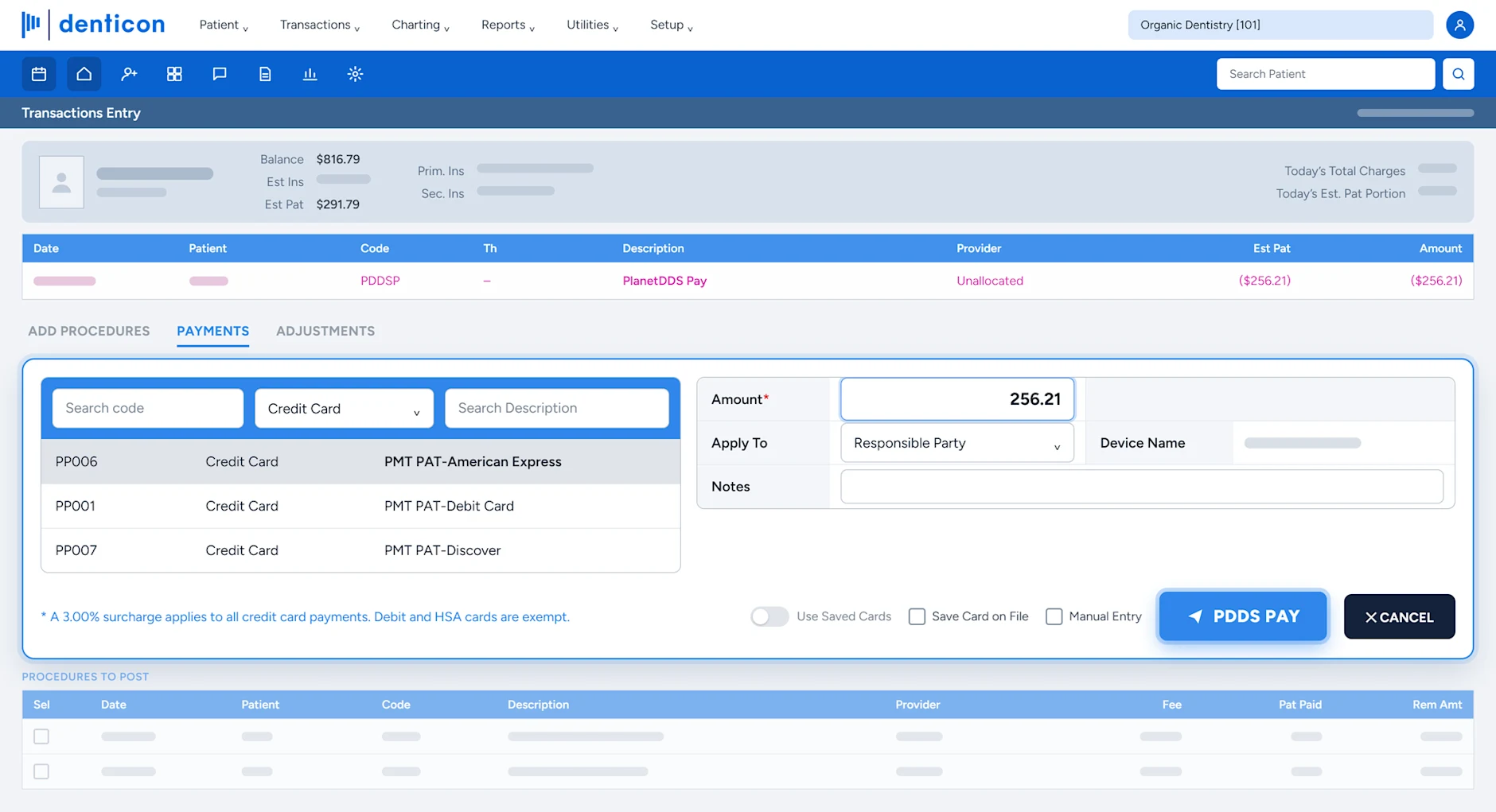
Every payment posts as it happens.
- Posts to the Denticon or Cloud 9 ledger automatically
- Tap, Apple Pay, Google Pay, chip, swipe, card on file, and payment links
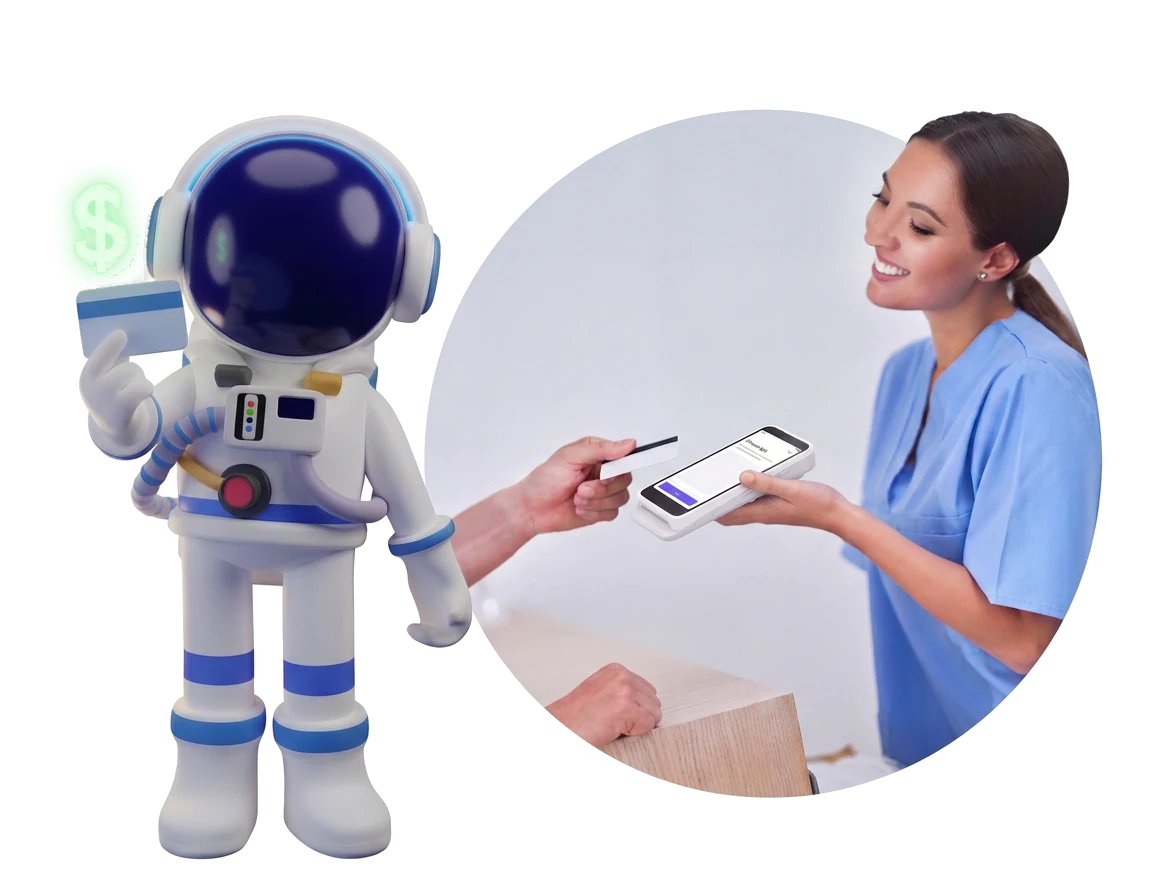
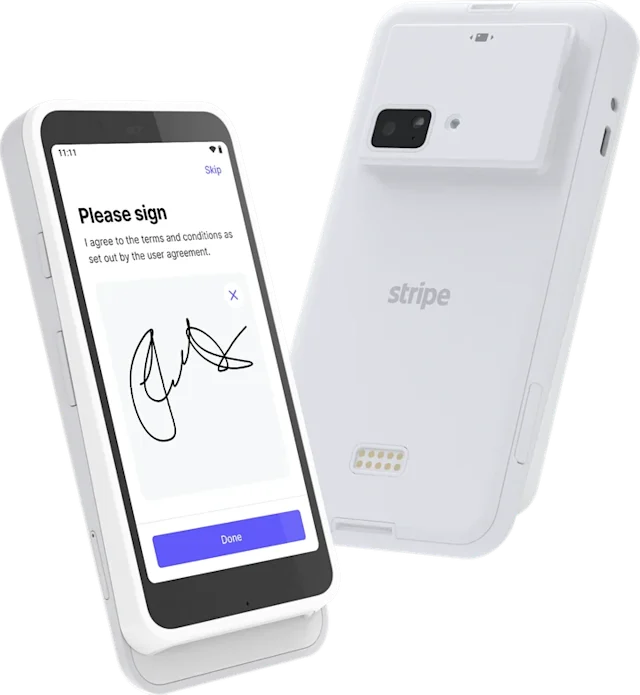
- Portable terminals with P2PE encryption for checkout at the chair

Add-on suite — Payments+ by DentalOS®
Planet DDS Pay is embedded in Denticon and Cloud 9, powered by Stripe, so every patient payment posts to the ledger automatically, with no separate processor and no manual entry.
Planet DDS Pay at a glance
*Standard onboarding buffer for scheduling and account activation. Add 2 to 3 business days if a physical card reader is shipped. Surcharge availability is state-specific. Read the Southern Family Dental Partners story
The reconciliation tax
Payments outside your practice management system cost time at every office, and the cost grows with every location you add.
Five capabilities
Planet DDS Pay, powered by Stripe, built into Denticon and Cloud 9.
Every payment posts as it happens.
The whole group’s payments in one place.
Offset card processing costs.
Balances followed up without a call.
Collect from day one of an acquisition.
Payments+ brings every financial capability into Denticon and Cloud 9, starting with Planet DDS Pay and surcharge recovery. New capabilities add to the setup you already have. See Denticon
See it in action
The patient taps, the payment is approved, and the ledger updates in the same moment. There is no front-desk stop, no re-keying, and nothing to match at the end of the day.
Built into DentalOS
Payments and the patient ledger run on the same data layer, so nothing is re-entered or matched by hand.
One processor and one dashboard across every Denticon and Cloud 9 location, powered by Stripe.
PCI-compliant, P2PE processing removes the repeated paperwork and sign-off at each new location.
How it works
Customer proof
The final setup for Planet DDS Pay is so much easier and smoother than our previous platform. I can do it myself in about five minutes.
Hours back, because every payment posts automatically and end-of-day matching shrinks
One view of revenue by location, patient, and payment method
Collect at the chair with portable terminals, before the patient leaves
Recover card processing costs with an optional, disclosed surcharge, where permitted
Payments and the ledger stay in sync, embedded in Denticon and Cloud 9
New locations take payments in days, not weeks, with PCI-validated P2PE encryption
Common concerns
Payments taken outside your practice management system get re-entered and reconciled by hand. Planet DDS Pay is embedded, so each payment posts to the ledger as it happens.
Legacy processor setup can take 4 to 6 weeks per location. New-location setup with Planet DDS Pay typically completes within one business day, and the self-service setup itself takes about five minutes.
The surcharge is optional, disclosed to the patient, and set by your org admin from 0 to 3%, with debit, HSA, and FSA always exempt. Southern Family Dental Partners rolled it out in a couple of offices with no pushback. Availability is state-specific.
The standalone version lets a newly acquired office take payments and deposit into your account from day one, before Denticon or Cloud 9 onboarding, and the setup carries forward at conversion.
Yes. Planet DDS Pay is PCI-compliant and uses P2PE encryption on every transaction. It is powered by Stripe and built into Denticon and Cloud 9.
Planet DDS Pay standardizes processing across every Denticon and Cloud 9 location, with one processor, one dashboard, and one view of group revenue.
Payments+ is an embedded patient payment suite built into Denticon and Cloud 9. Its core product, Planet DDS Pay, automatically posts every patient payment to the patient ledger at the moment the transaction is made, eliminating the manual posting step and end-of-day reconciliation work. It includes group-level reporting, portable terminals, and surcharge capability.
Planet DDS Pay is the embedded payment processing product within the Payments+ Suite. It accepts card, tap-to-pay, Apple Pay, Google Pay, swipe, card on file, and payment links. Every payment posts directly to the Denticon or Cloud 9 patient ledger at time of transaction, with no manual entry and no reconciliation step. It is powered by Stripe and PCI-compliant.
When a patient pays through Planet DDS Pay, the transaction is authorized and the payment posts to the patient ledger in Denticon or Cloud 9 at the same moment. There is no separate manual posting step and no matching process, because the payment platform and the patient ledger run on the same data layer.
Yes. Because payments post to the ledger automatically at time of transaction, the end-of-day reconciliation process becomes a confirmation rather than a project. Staff are not manually matching payment records to ledger entries across multiple systems.
Yes. Planet DDS Pay standardizes processing across every Denticon and Cloud 9 location: one processor, one dashboard, and one view of group revenue. Daily revenue reports show totals by location, patient, procedure, and payment method. Finance no longer needs to log into separate processor portals to assemble a group-level picture.
Planet DDS Pay accepts tap-to-pay, Apple Pay, Google Pay, chip, swipe, card on file, and payment links. Portable terminals support collection at the chair, so checkout does not require a separate stop at the front desk.
Surcharge capability allows practices to pass credit card processing fees to the patient on applicable transactions, protecting the practice’s net margin on card payments. Availability is state-specific.
Yes. Planet DDS Pay is PCI-compliant and uses P2PE (point-to-point encryption) on every transaction. It is built into Denticon and Cloud 9, which operate within HIPAA-compliant frameworks.
The Planet DDS Pay Standalone version works independently, even before full Denticon or Cloud 9 onboarding. It is designed for DSOs acquiring dental offices, allowing the newly acquired location to process payments and deposit directly into the DSO’s Stripe Connect account from day one of acquisition, before PMS onboarding is complete. It supports terminal, payment-link/QR, card-on-file, schedule import, and MOTO payment methods.
A newly acquired office can start taking payments before it’s fully onboarded, and deposits go to your organization’s bank account from day one. The front desk collects by terminal, payment link or QR, card on file, or over the phone, with no full Denticon or Cloud 9 onboarding or training needed first. It works from either Denticon or Cloud 9, for groups that run both. Standalone is included at no additional cost as part of Planet DDS Pay.

Book a walkthrough of Payments+ on your own locations.